
All Features
Finance & Invoicing
See Every Shekel. Invoice Every Client.
Track your revenue, issue tax invoices and receipts, and understand your income by day or period — all from one clear financial dashboard.
Start Now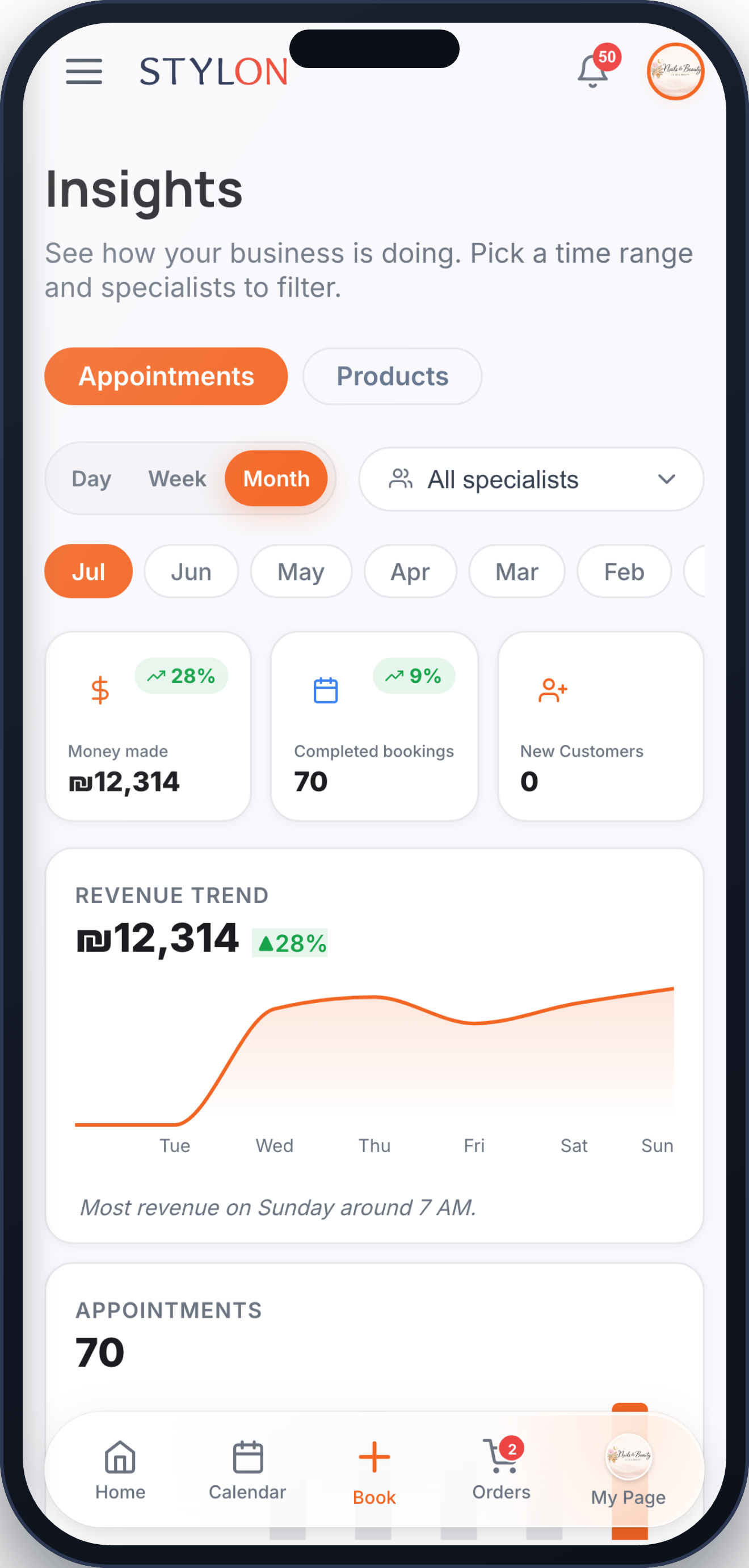
How It Works
1
Every paid appointment and order is recorded automatically as a payment in Stylon
2
A tax invoice or receipt is issued to the client for each qualifying payment
3
Review your revenue, income totals, and payment records by day or period from the reports view
Key Benefits
Automatic revenue tracking on every recorded payment
Tax invoices and receipts issued to clients for their payments
Daily and period income totals at a glance
Complete payment records — see who paid, how much, and when
Income reports you can filter by date range and export
One clear place to understand and manage your business finances
Frequently Asked Questions
Are tax invoices and receipts issued automatically?
Can I see my income for a specific day or period?
Where can I find a record of all payments received?
How to Use: Finance & Invoicing
Ready to get started?
Join thousands of businesses already using Stylon. No credit card required.
Start Now