
See Every Shekel. Invoice Every Client.
Track your revenue, issue tax invoices and receipts, and understand your income by day or period — all from one clear financial dashboard.
Start Now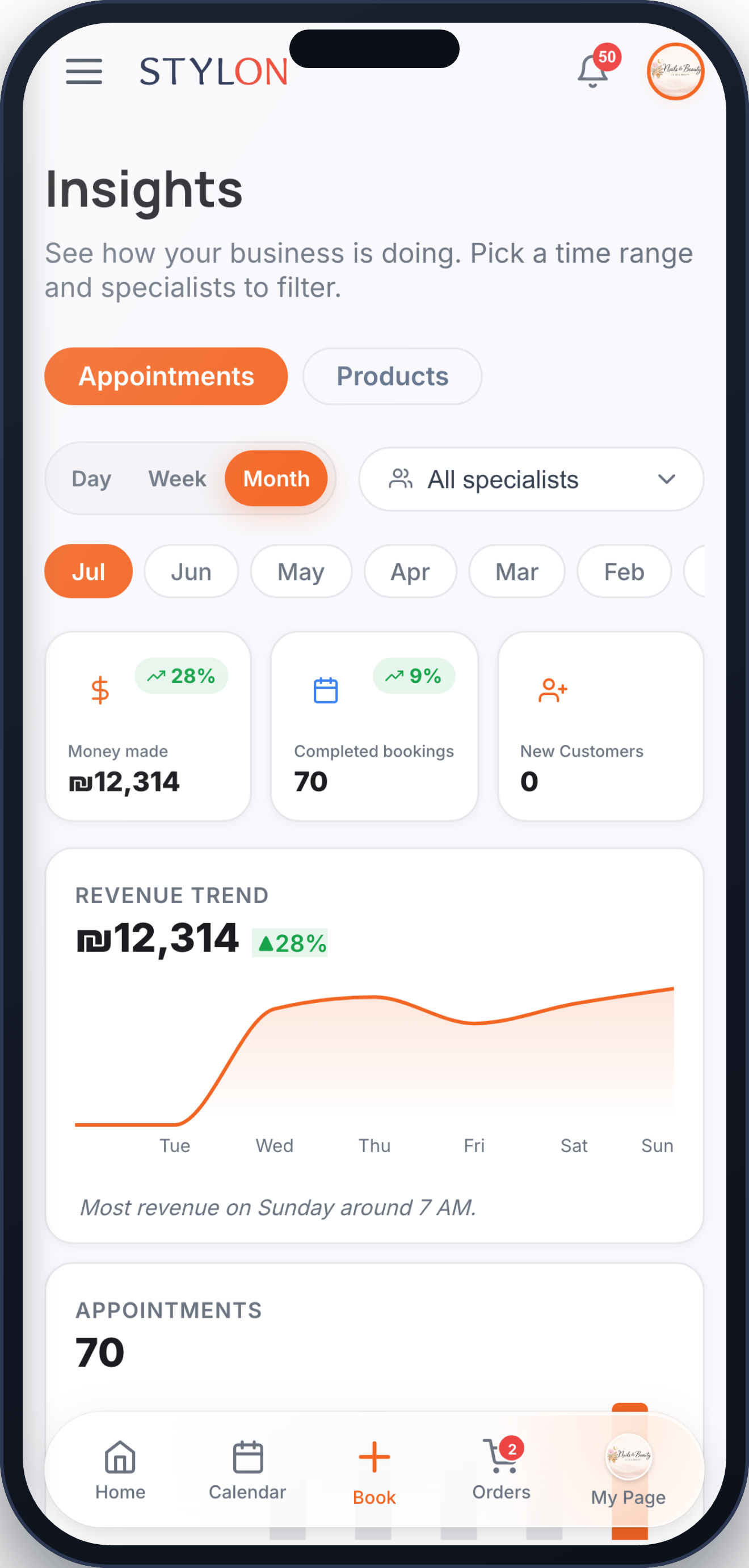
How It Works
Every paid appointment and order is recorded automatically as a payment in Stylon
A tax invoice or receipt is issued to the client for each qualifying payment
Review your revenue, income totals, and payment records by day or period from the reports view
Key Benefits
Frequently Asked Questions
Yes. When a client pays for a qualifying appointment or order, Stylon issues a tax invoice or receipt for that payment automatically — no manual paperwork needed.
Yes. The reports view lets you pick any day, week, or month and see your total income, revenue breakdown, and the payment records behind it.
Every payment is saved as a record you can review — showing the client, amount, date, and the appointment or order it relates to. Filter by date range to find exactly what you need.
How to Use: Finance & Invoicing
Insights → Reports → select the period you want to review (day, week, or month)
In the reports view → see total income and revenue for the selected period, broken down by service and specialist
Open an appointment or order → view its payment status, amount, and the tax invoice or receipt issued to the client
Reports → set a custom start and end date → the totals and payment records update to match the range you selected
Reports → choose a period → tap Export to download your income summary for accounting or your bookkeeper
Related features
Built for
Ready to get started?
Join businesses already running smarter with Stylon. No credit card required.
Start Now