
The Conversation, Where the Client Already Is
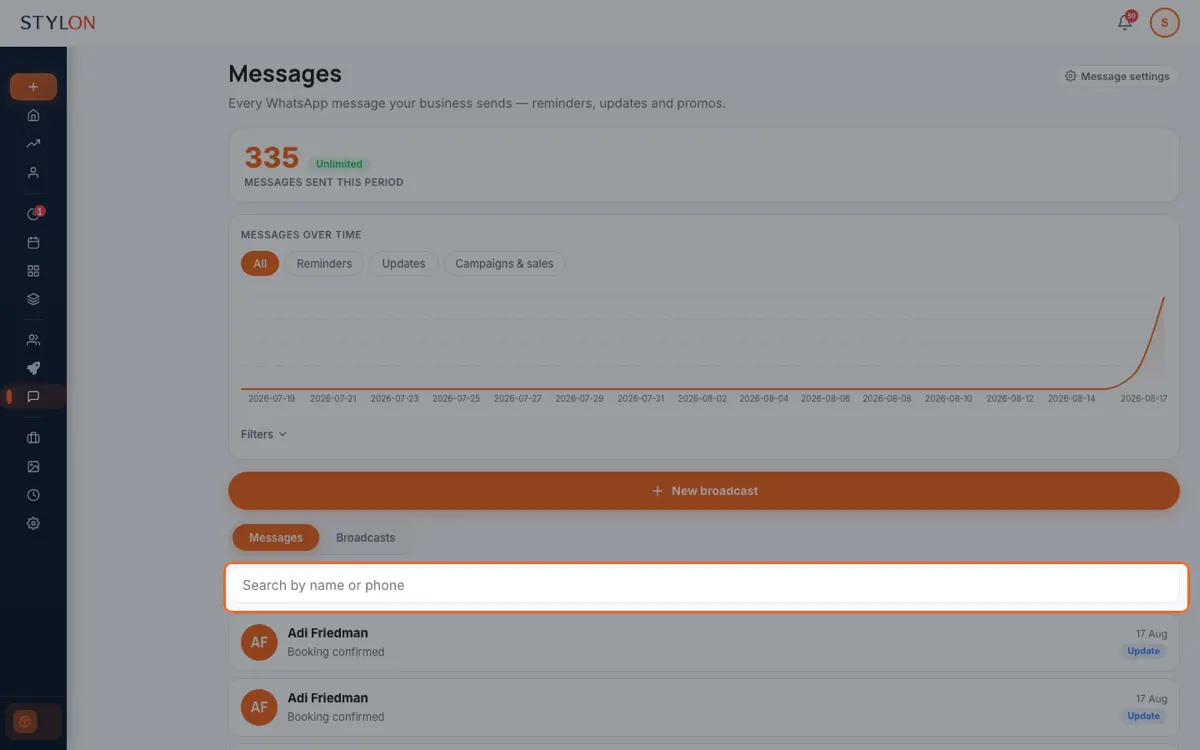
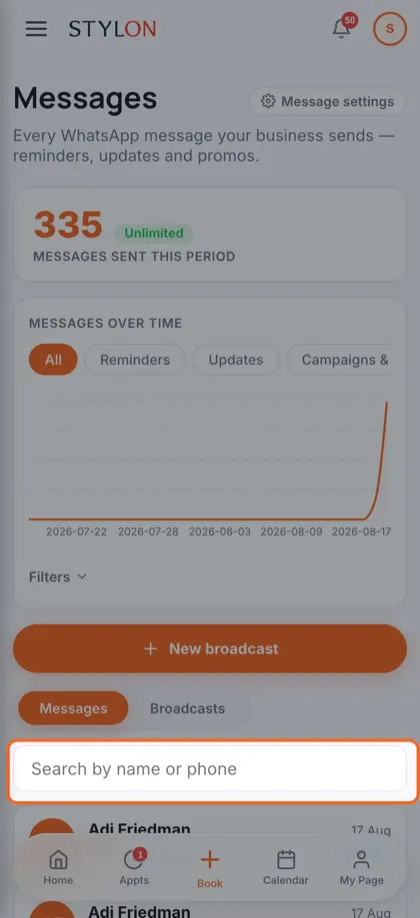
WhatsApp and SMS from inside Stylon, with the client's booking history beside the thread — reminders, confirmations, and the replies they send back.
Start NowHow It Works
Connect your WhatsApp number once
Confirmations and reminders go out automatically, in the client's language
Replies land in one inbox, next to the booking they are about
Key Benefits
In detail
Replies are the point
Most reminder systems can only speak. A client who answers "can I move it to Thursday?" is talking to nobody. Bringing replies into an inbox beside the booking they concern is what turns a notification channel into a conversation.
Context beats memory
Whoever picks up the thread sees who the client is, when they last came and what they are booked for. Answering well does not then depend on the one person who remembers them being on shift.
One digest, not forty notifications
A notification per appointment gets muted within a week, and a muted channel is worse than none because everyone assumes it is working. One digest the evening before, covering the whole next day, is the version people actually read.
From inside Stylon
What's included
- WhatsApp and SMS inbox
- Your own number, with replies landing beside the booking.
- Segment broadcasts
- Message a chosen group of clients within WhatsApp's rules.
- Quota visibility
- What you have sent this month against your allowance.
Frequently Asked Questions
How to Use: Messages & WhatsApp
Related features
Ready to get started?
Join thousands of businesses already using Stylon. No credit card required.
Start Now