
Records That Ask the Right Questions
Decide what every record asks, once. Then every visit fills the same fields, files attach where they belong, and nothing important lives in someone's memory.
Start NowHow It Works
Build your field library — the questions your records should ask, in the order you want them
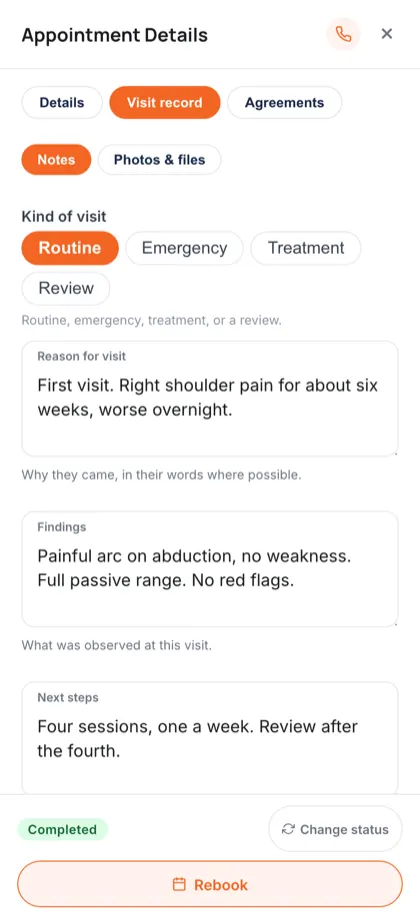
Every visit opens the same structured record, so two staff record the same thing the same way
Attach files, photographs and signed agreements to the record, and it stays complete
Key Benefits
In detail
The clinic decides what a record asks
Software that ships one fixed form makes every practice fit it. A field library inverts that. You write the questions, group them, and mark what is required — and every visit from then on records the same things in the same order. That is what makes two clinicians' notes comparable.
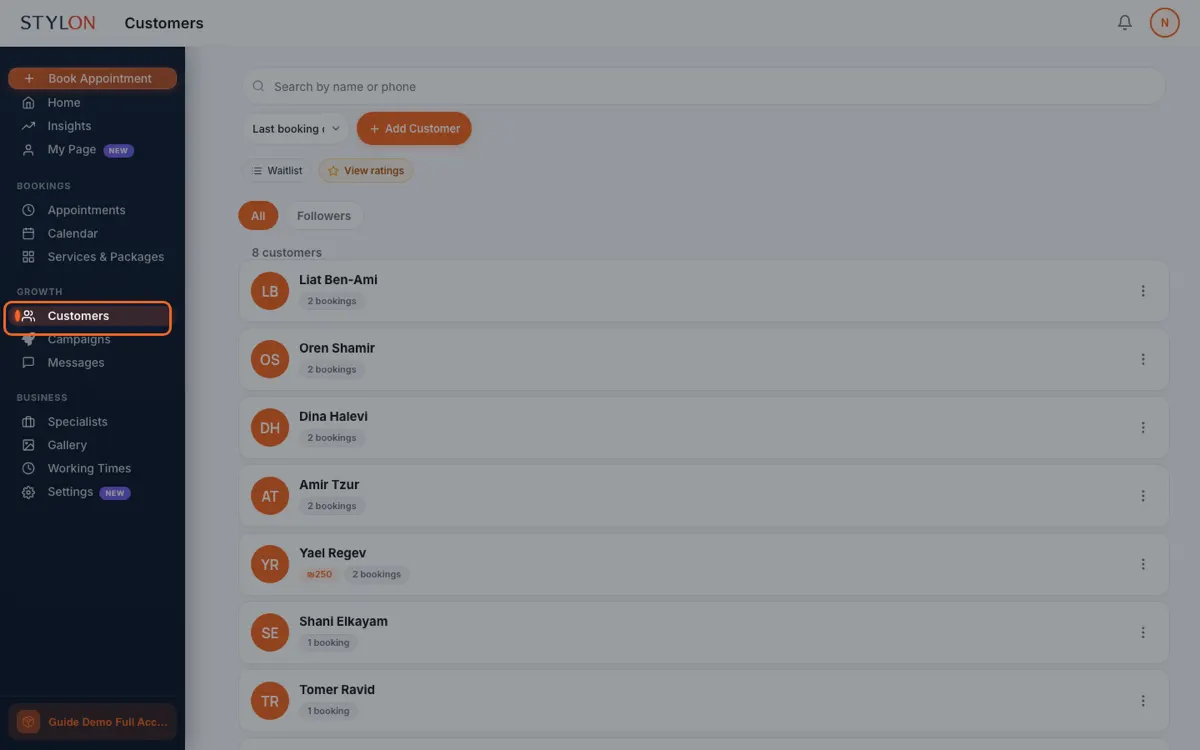
Files belong to people, not only to bookings
A referral letter arrives before the first appointment. A lab result arrives after the last one. Standalone patient files hold both, so the things that do not fit a visit are not forced into one and then lost inside it.
History can start before Stylon did
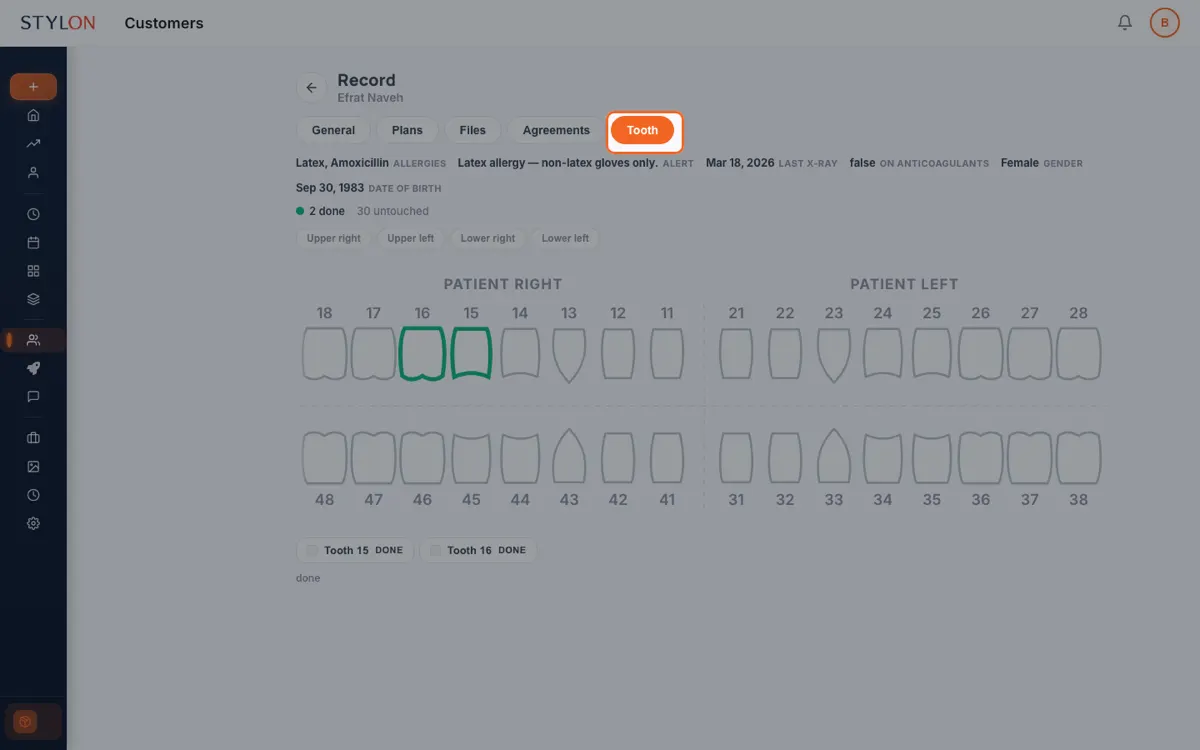
A file that begins the day you switched software is a file with a hole in it. Past treatment can be back-filled into the record and the area or tooth history. A patient's first appointment on Stylon opens with everything you already knew.
Sensitive detail is not open to the whole team
Roles decide what each person can open. Someone running the front desk can see the day, take a payment and move an appointment without reading clinical notes. That is better practice, and much easier to explain to a patient who asks.
From inside Stylon
What's included
- Your own field library
- Define the questions, the types, the order and what is required.
- Attachments on the record
- Scans, referrals and images, filed where they were recorded.
- Standalone patient files
- For anything belonging to the person rather than to one visit.
- Role-based visibility
- Clinical detail is not open to every role by default.
Frequently Asked Questions
How to Use: Client & Patient Records
Ready to get started?
Join thousands of businesses already using Stylon. No credit card required.
Start Now