
Every Region, Every Unit, Every Time
Record what went where, how much, and what it looked like before. Consent is captured for that treatment, not for the file in general.
Start NowTry it right here
Tap a region to see which treatments it takes. Paired regions offer the other side, because symmetric treatment is the norm.
- Toxin
- Filler
How It Works
Open the client's record and tap the region you are treating on the facial map
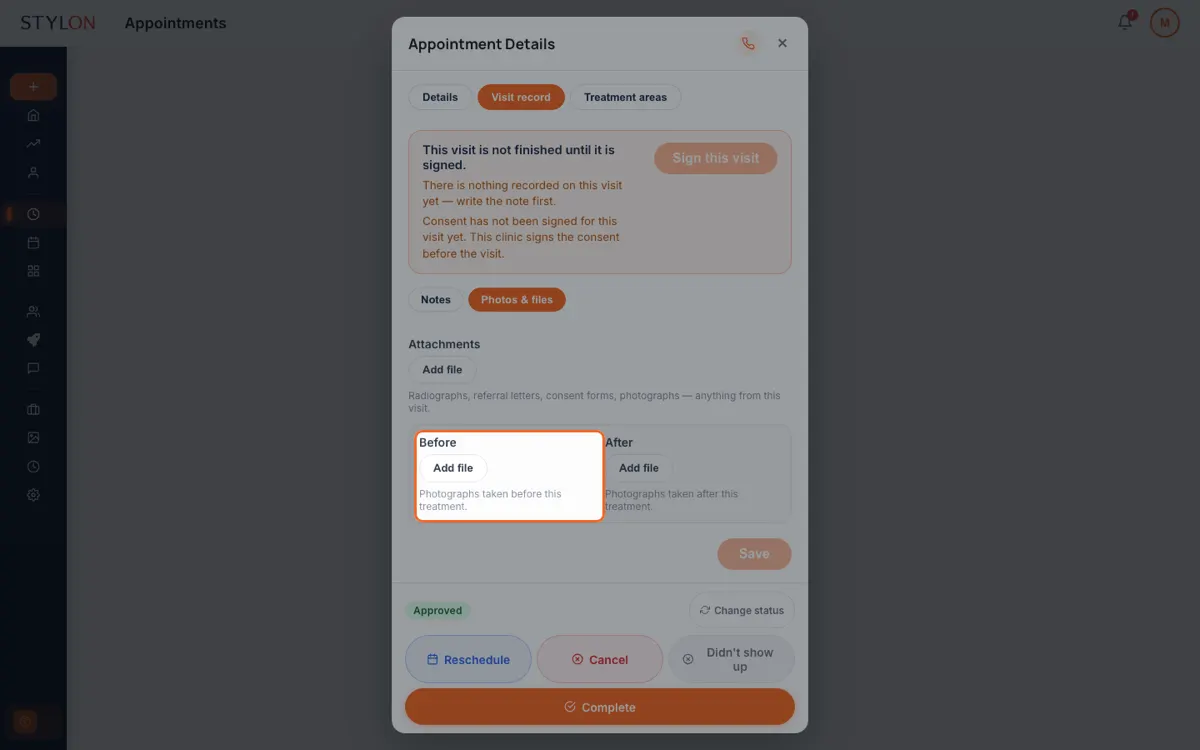
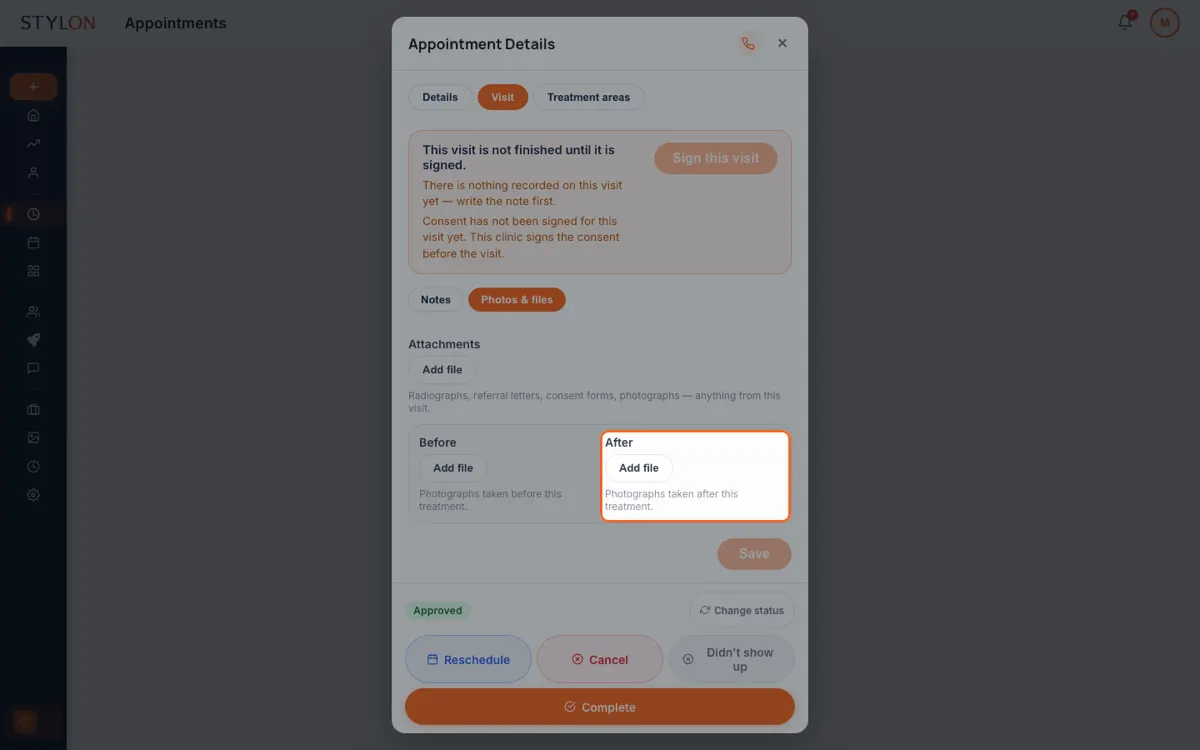
Record the treatment and the units, and attach before and after photographs
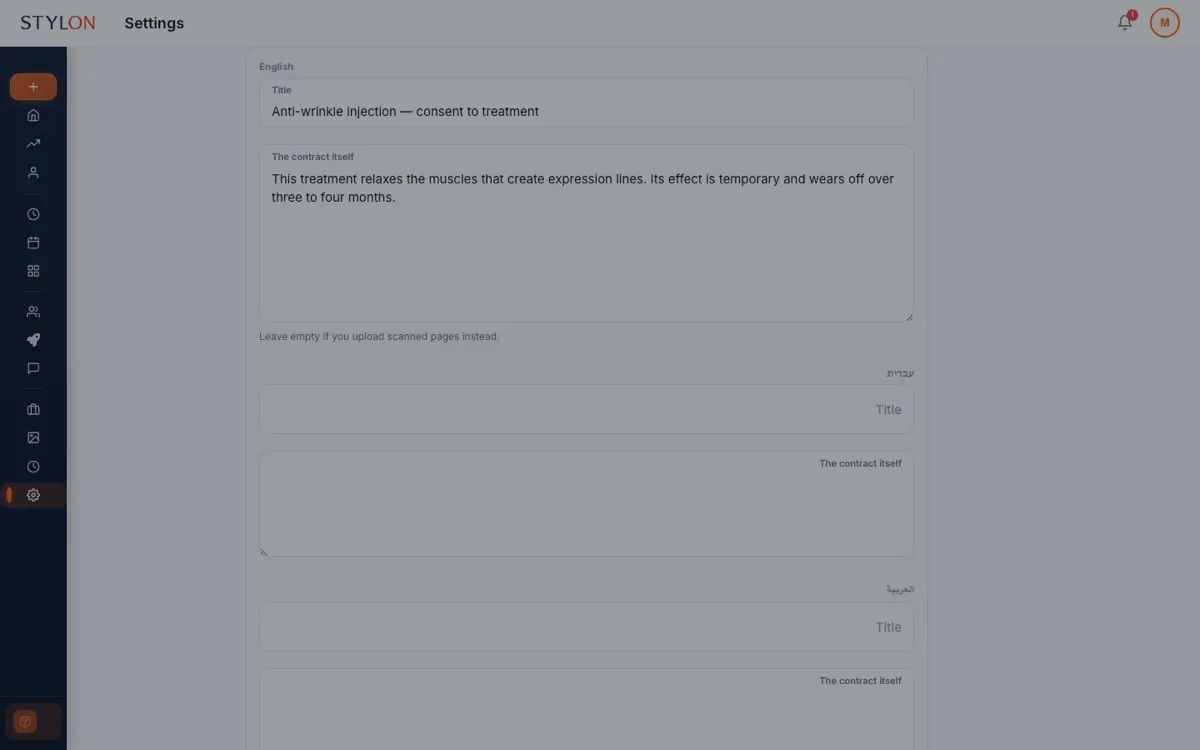
Capture consent for that treatment, and the next appointment opens with the full history
Key Benefits
In detail
Regions are anatomy, so the map never flips
The region names say "patient right", not "right", and the map holds its orientation in Hebrew and Arabic even though the rest of the page turns around. The viewer's left is the patient's right in every language, exactly as it is when someone is in the chair.
Each region knows what it takes
Glabella takes toxin and filler; a tear trough takes filler; a masseter takes toxin. The map offers what is clinically applicable rather than a flat list, so the record cannot describe a treatment that region does not receive.
Symmetry is a first-class action
Aesthetic treatment is usually bilateral, so "do the other side too" is a button rather than a second trip through the same five taps. Midline regions — glabella, nose, chin — correctly offer nothing to mirror.
Consent narrows to the treatment
A signature on file is not consent for what you are about to do. Stylon scopes each agreement to the treatments it covers, and records who signed and when. It renders to a PDF you can produce later — the difference between a record and a filing cabinet.
From inside Stylon
What's included
- 23 facial regions
- Named anatomically, from forehead and glabella to jawline and neck.
- Per-region treatment types
- Toxin, filler, thread and energy, as applicable to each region.
- Before and after photographs
- Attached to the region and the treatment, not to a general folder.
- Consent per treatment
- Scoped, signed, dated, and rendered to PDF.
Frequently Asked Questions
How to Use: Injectables & Aesthetics
Related features
Ready to get started?
Join thousands of businesses already using Stylon. No credit card required.
Start Now